
Updates
NebulaAuth checks for a new version at startup and installs it in one click.
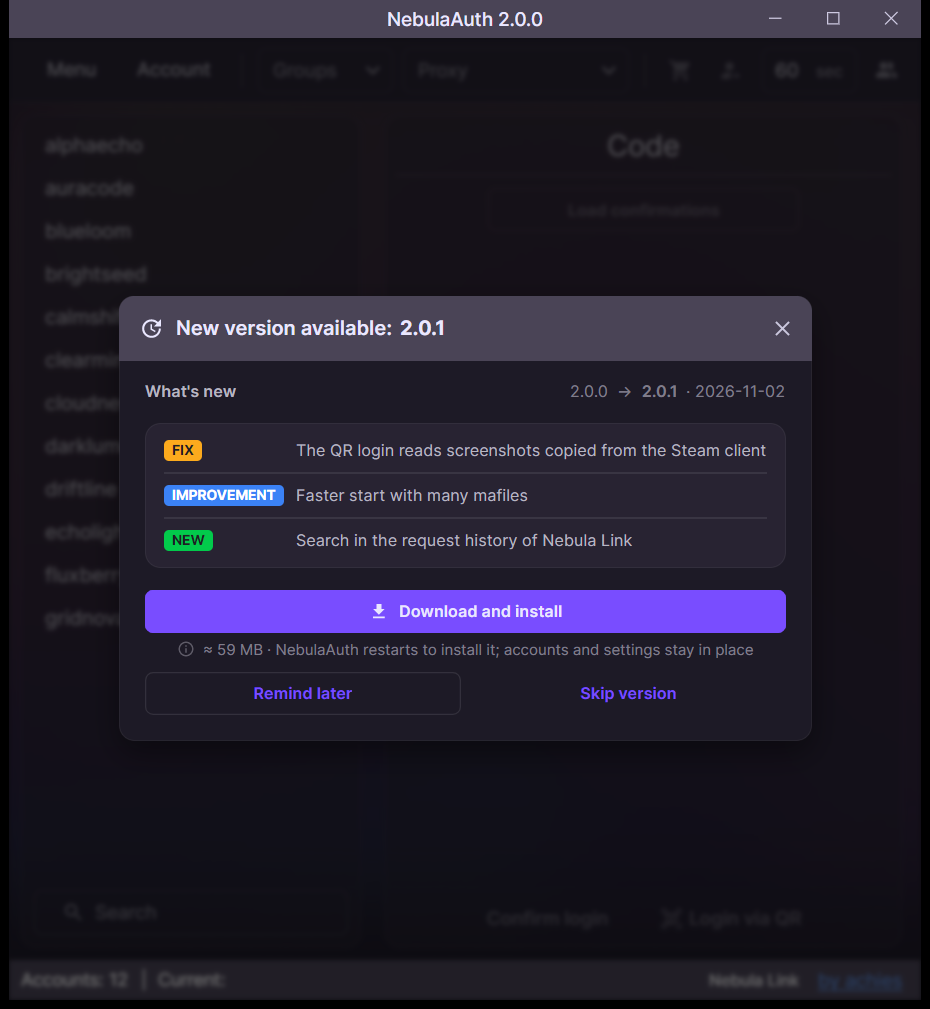
Installing an update
When a new version is available, NebulaAuth shows a window with the list of changes:
- Click Download and install
- When the download is finished, click Restart and update
To check manually, click by achies in the bottom panel and then Check for updates.
Updating from version 1.x
After updating from 1.x, save the Steam passwords again.