
maFile encryption
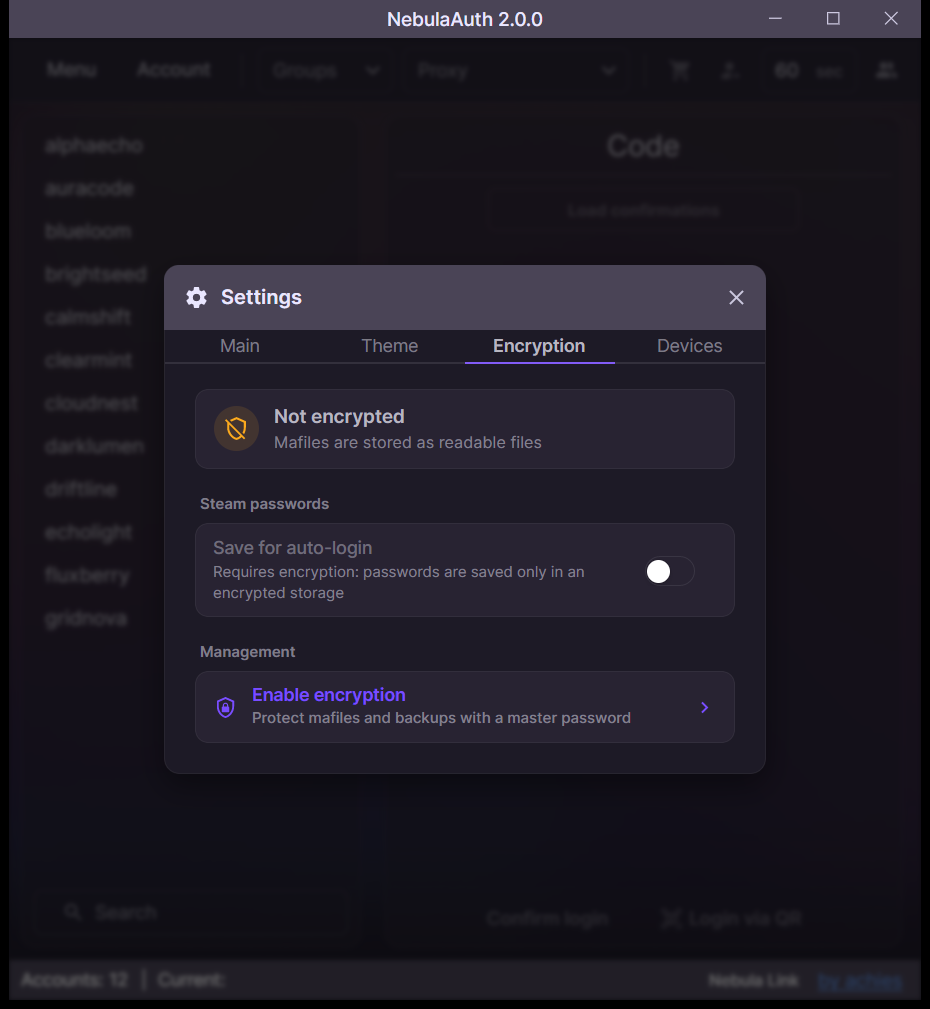
Encryption protects maFiles and their backups with a master password. It is also required for saving Steam passwords.
Enabling encryption
- Open Menu → Settings → Encryption
- Click Enable encryption
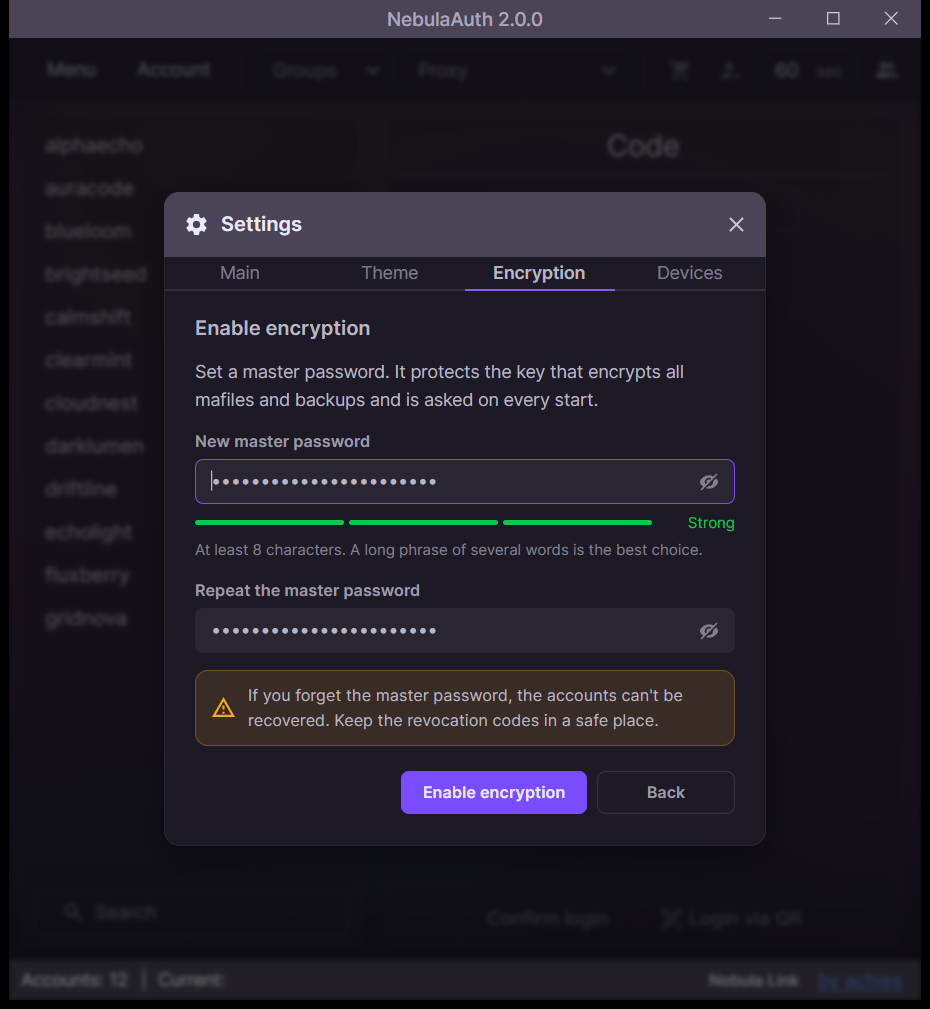
- Enter the master password twice
- Click Enable encryption
Warning
The master password cannot be recovered. Without it, the encrypted maFiles are lost.
Keep an export of your maFiles and the R-codes in a safe place.
Unlocking at startup
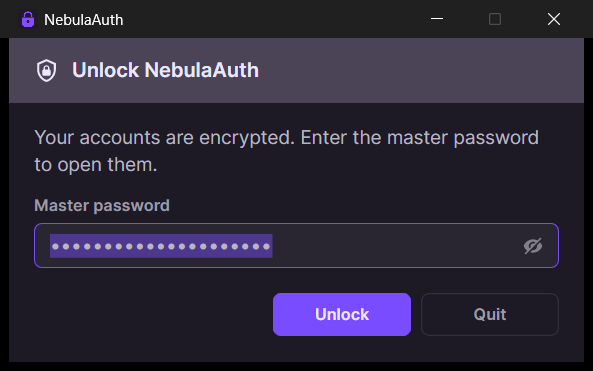
While encryption is on, NebulaAuth asks for the master password at every start.
Changing or turning off
The same tab lets you change the master password or disable encryption.
Encrypted files
Encrypted maFiles have the .mafile.encrypted extension.
A readable maFile added to the maFiles folder is encrypted at the next start. Files NebulaAuth cannot open are listed in Skipped files.