
Login by QR code
On the login page, the Steam website and the Steam client show a QR code for the mobile app. NebulaAuth can approve such a login instead of the phone.
For a login with a login and password, use Confirm login, see First steps.
How to log in
- Select the account in NebulaAuth
- Copy a screenshot of the QR code to the clipboard, for example with Win + Shift + S
- Click Login via QR
- Check who is logging in and from where
- Click Approve login
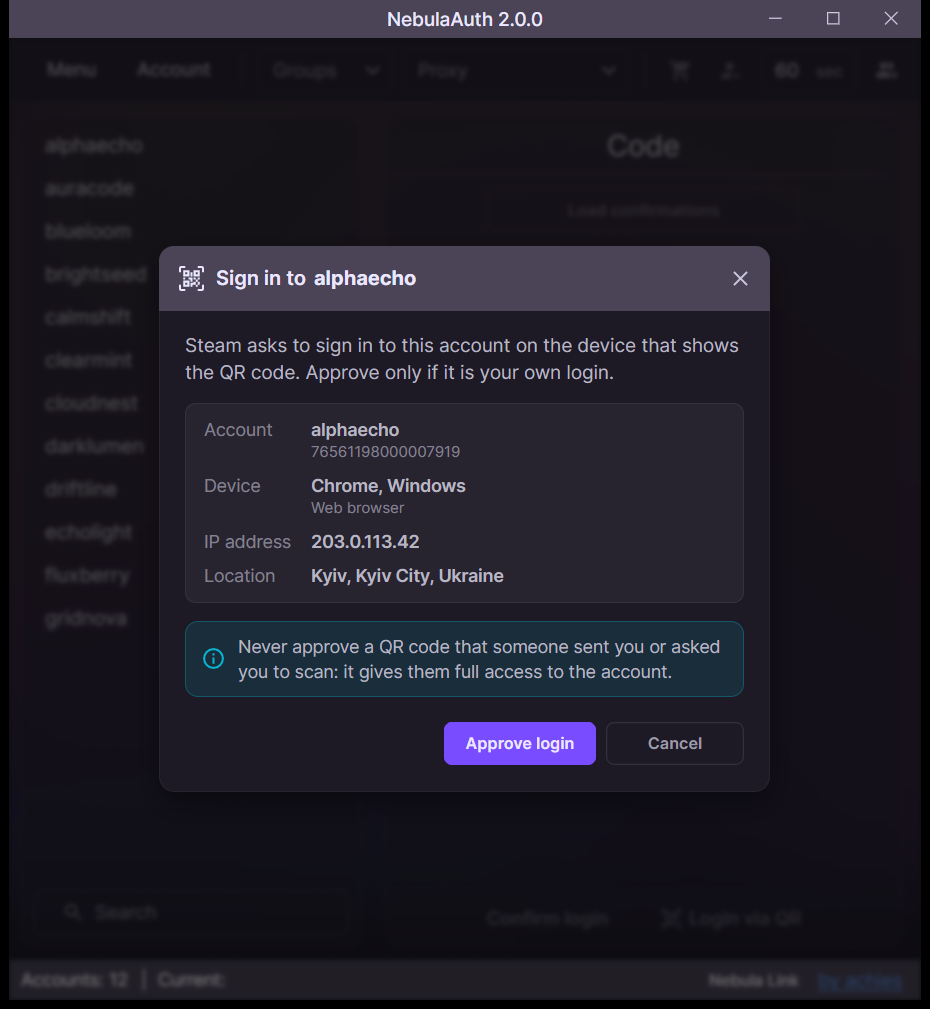
The Steam page signs in by itself after the approval.