
Account groups
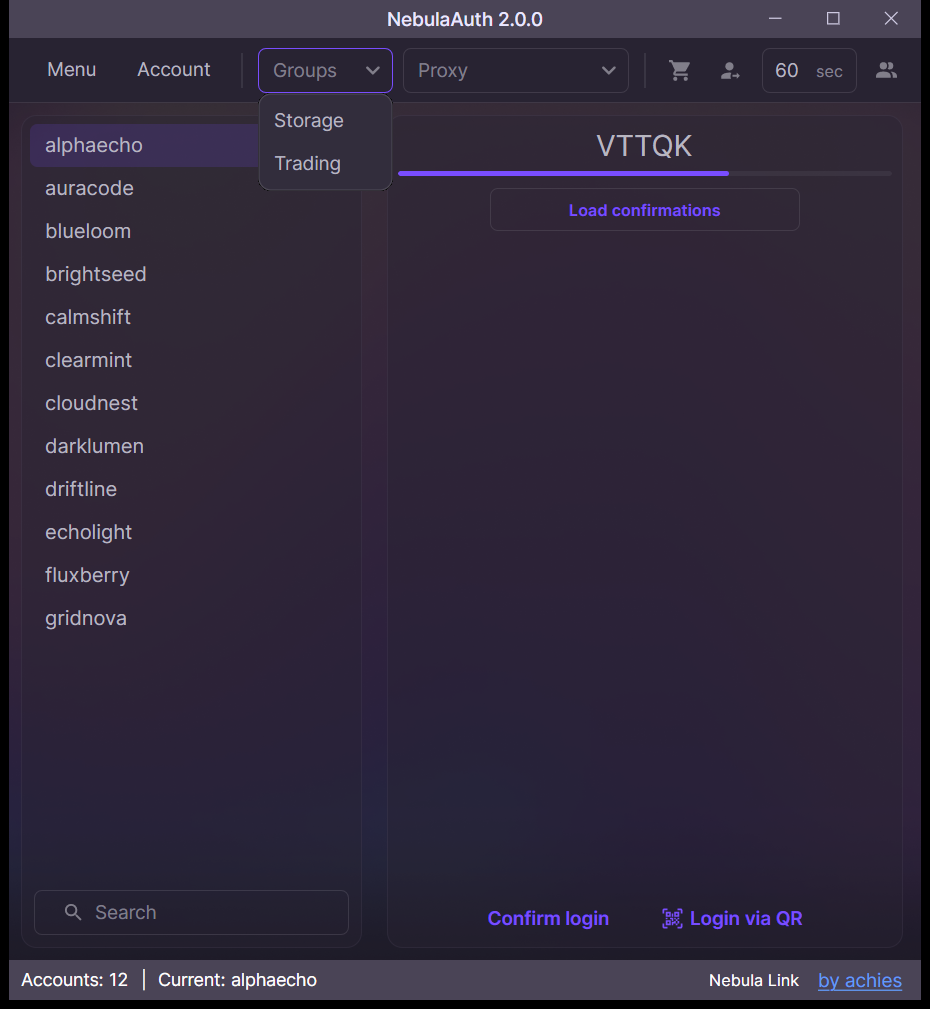
Groups let you organize accounts by purpose and work with them faster in the list.
Using groups you can:
- filter accounts
- perform bulk actions
- find the accounts you need faster
One account can belong to only one group.
Adding an account to a group
Option 1: Through the context menu
- Right-click the account
- Select Add to group → Create group
- Enter the group name
Option 2: Through the "Group" field
- Select the account
- Enter the group name in the "Group" field
- Press Enter
If a group with that name already exists, the account will be added to it.
Removing an account from a group
To remove an account from a group:
- Right-click the account
- Select Remove from group
How to delete a group
A group exists as long as it contains at least one account.
To delete a group, remove all accounts from it. After that, the group will disappear automatically.
Storage
The group is stored inside the maFile, just like the proxy.
This means that when you move the file between different NebulaAuth instances, the group is preserved with the account.